
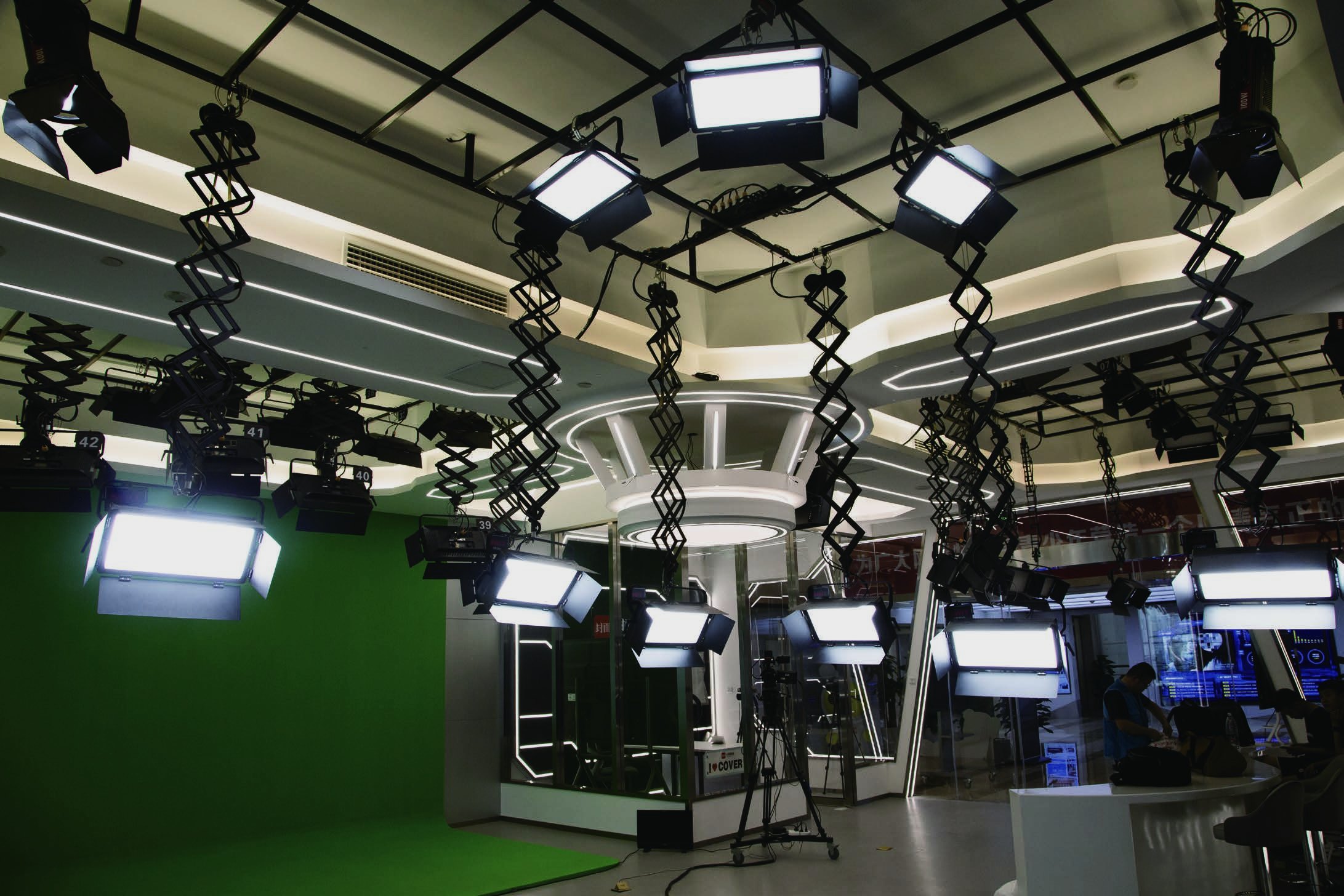
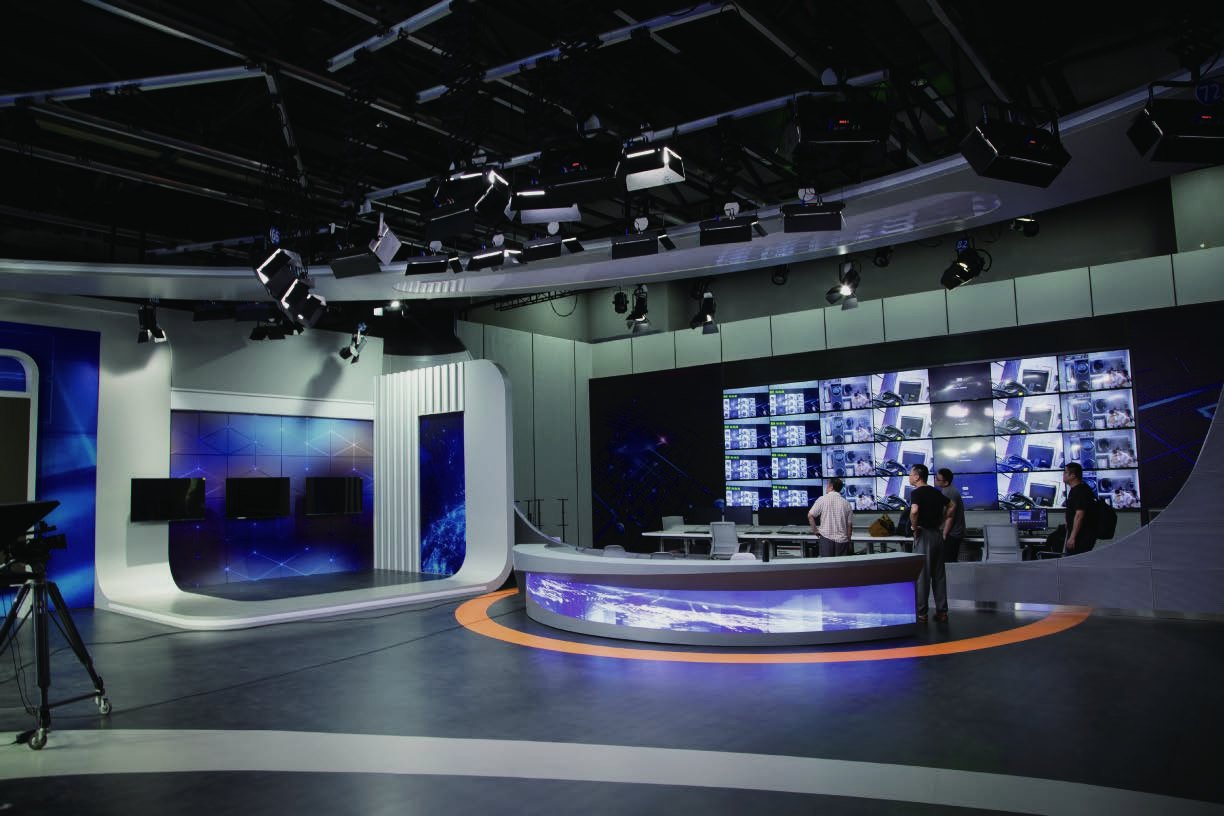
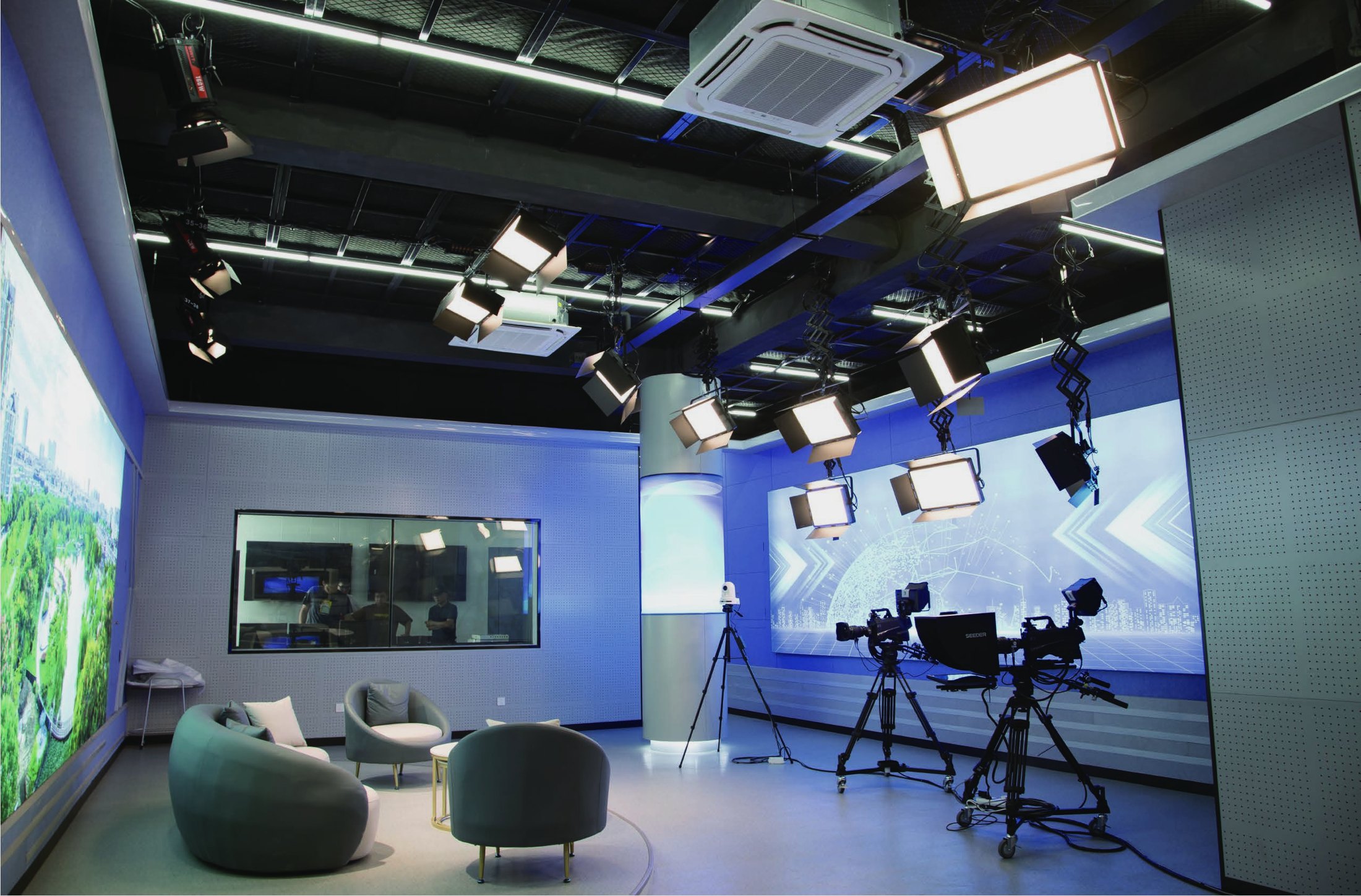
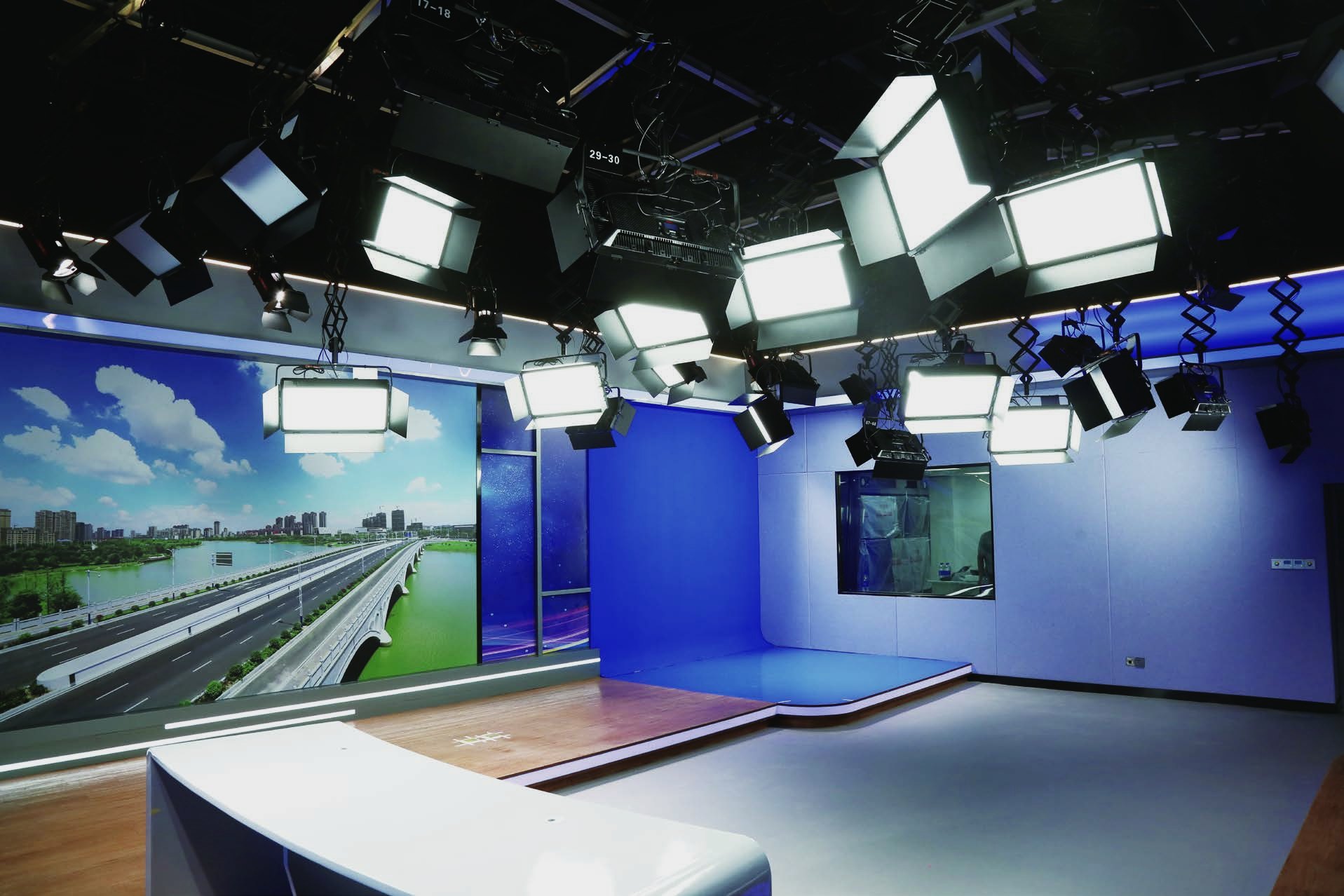
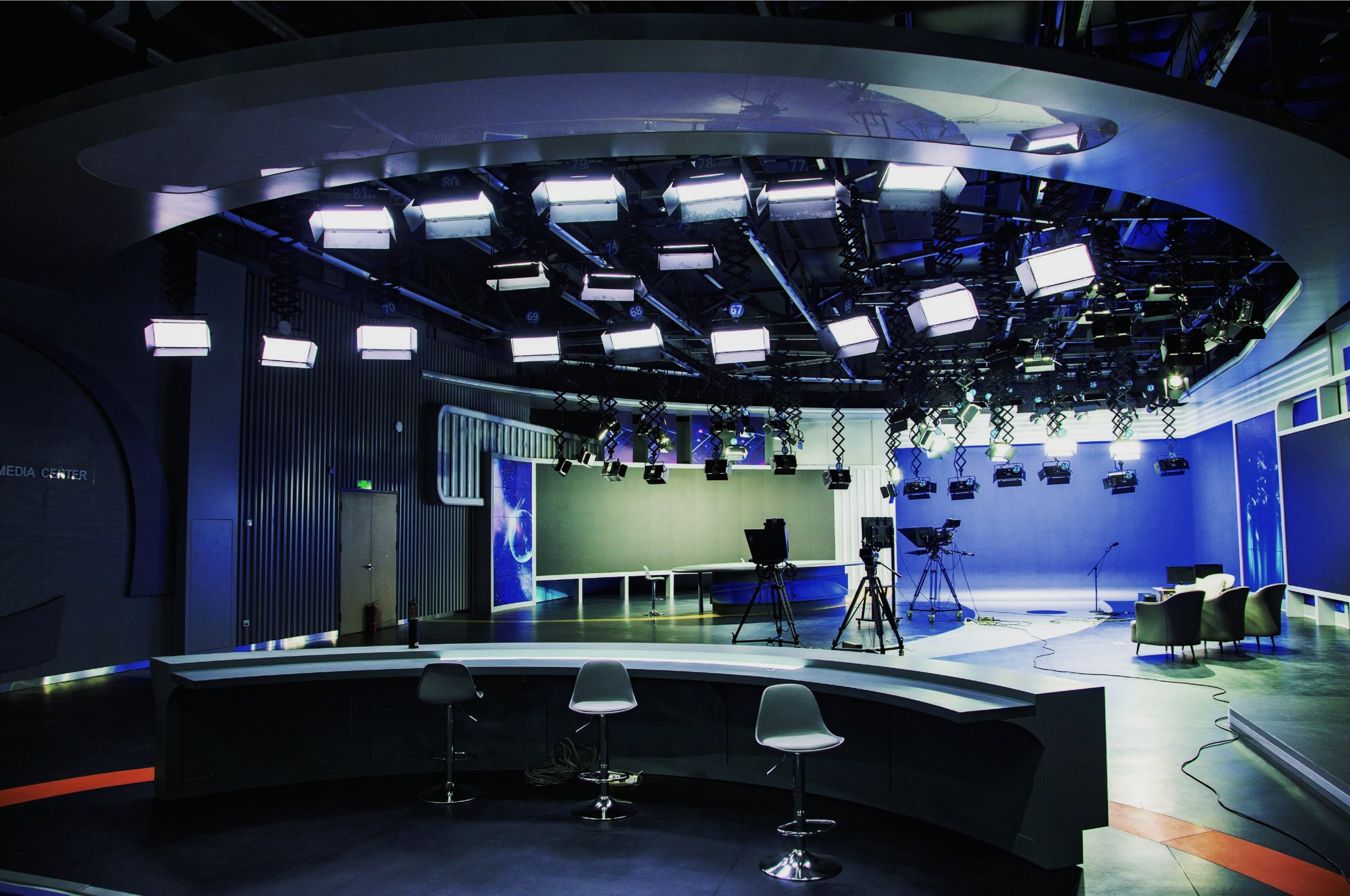
Broadcast Studio & Newsroom
Keep presenter skin tone consistent across anchor desks, stand-up positions, interviews, and background screens.
Read SWIT broadcast studio caseSWIT delivers camera-ready studio lighting systems for broadcast, XR, green screen, conference, and government media rooms.
Industry definition
Broadcast studio lighting engineering plans fixtures, zones, rigging, DMX control, power, installation, focusing, and camera tuning.
Key, fill, back, and background light shape faces, separate subjects, and keep the set dimensional on camera.
Green and blue rooms need separated foreground and background light, low spill, and controlled wall and floor reflections.
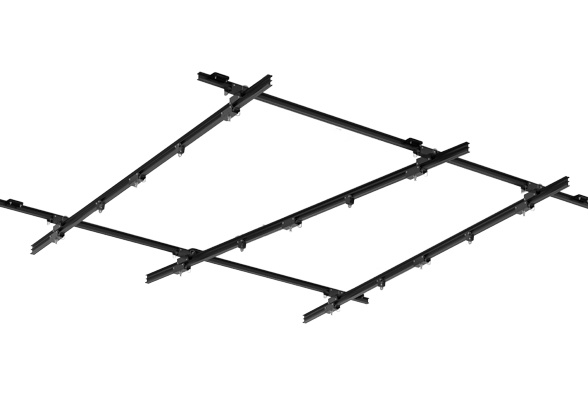
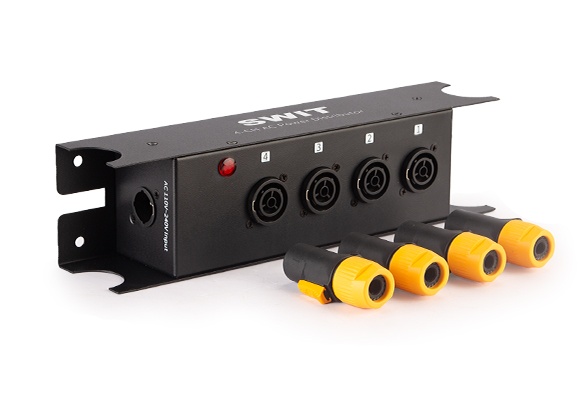
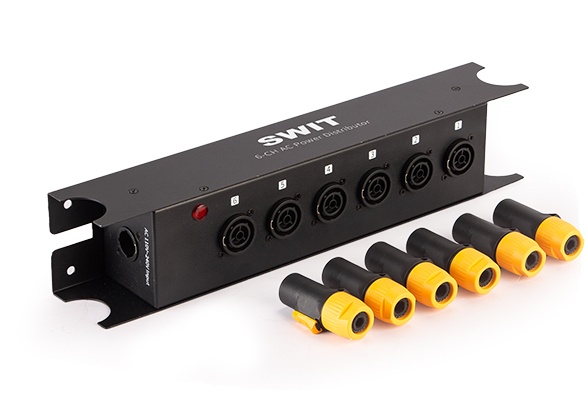
Rail, truss, pantographs, DMX distribution, signal amplifiers, and power boxes decide daily stability.
Key, fill, back, background, green screen, presenter, and effect zones each need a beam role, mount position, and camera result.
DMX control helps operators address fixtures, store scenes, adjust dimming, and repeat looks across programs.
CRI, TLCI, color consistency, flicker-free dimming, skin tone, green screen uniformity, and real camera behavior all matter.
Rail, pantographs, rigging, hooks, yokes, safety ropes, cables, and access should support adjustment and maintenance.
Applications
Fixture type, beam control, rigging, and DMX setup should match the room format, ceiling height, and camera workflow.
Keep presenter skin tone consistent across anchor desks, stand-up positions, interviews, and background screens.
Read SWIT broadcast studio case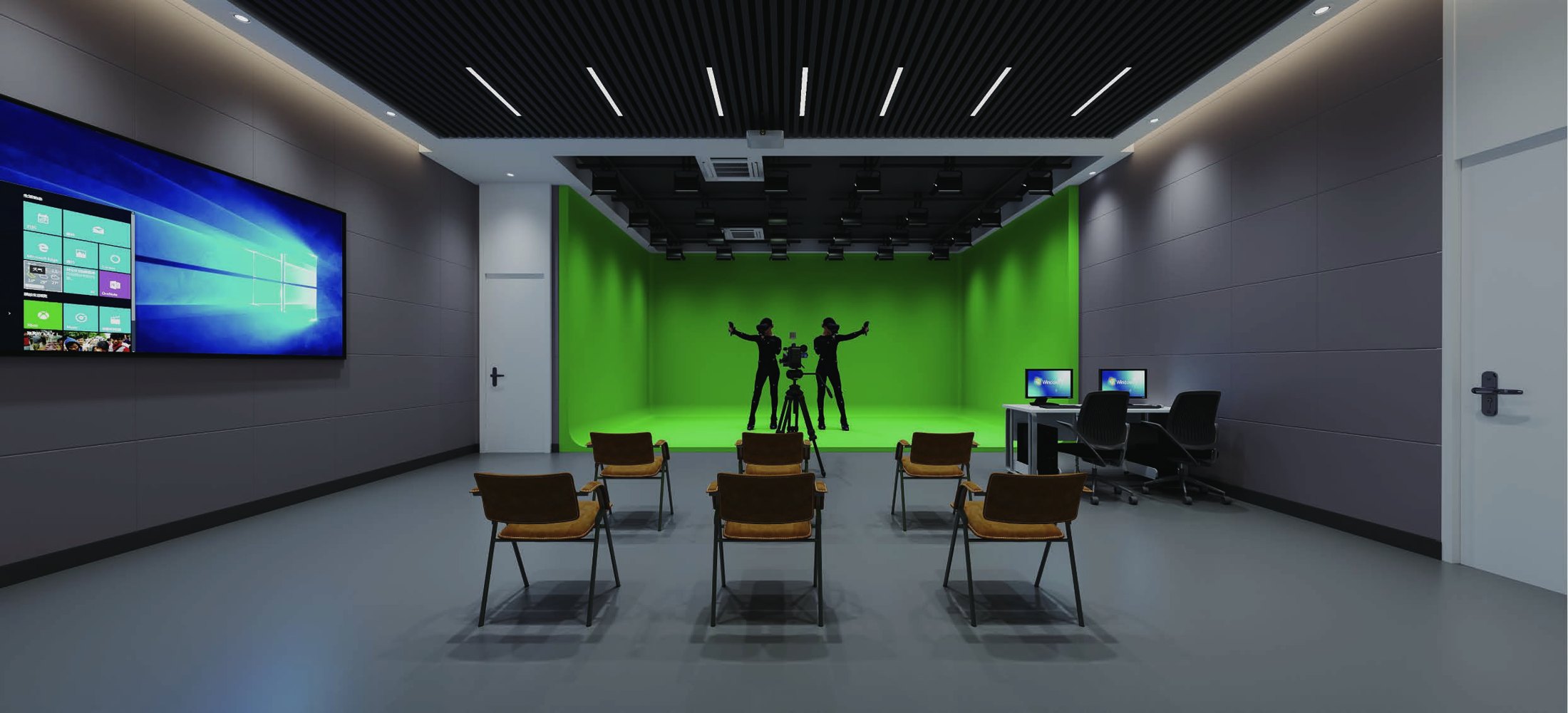
Balance foreground exposure, spill control, and repeatable color temperature for LED walls and tracked camera scenes.
Read XR studio lighting case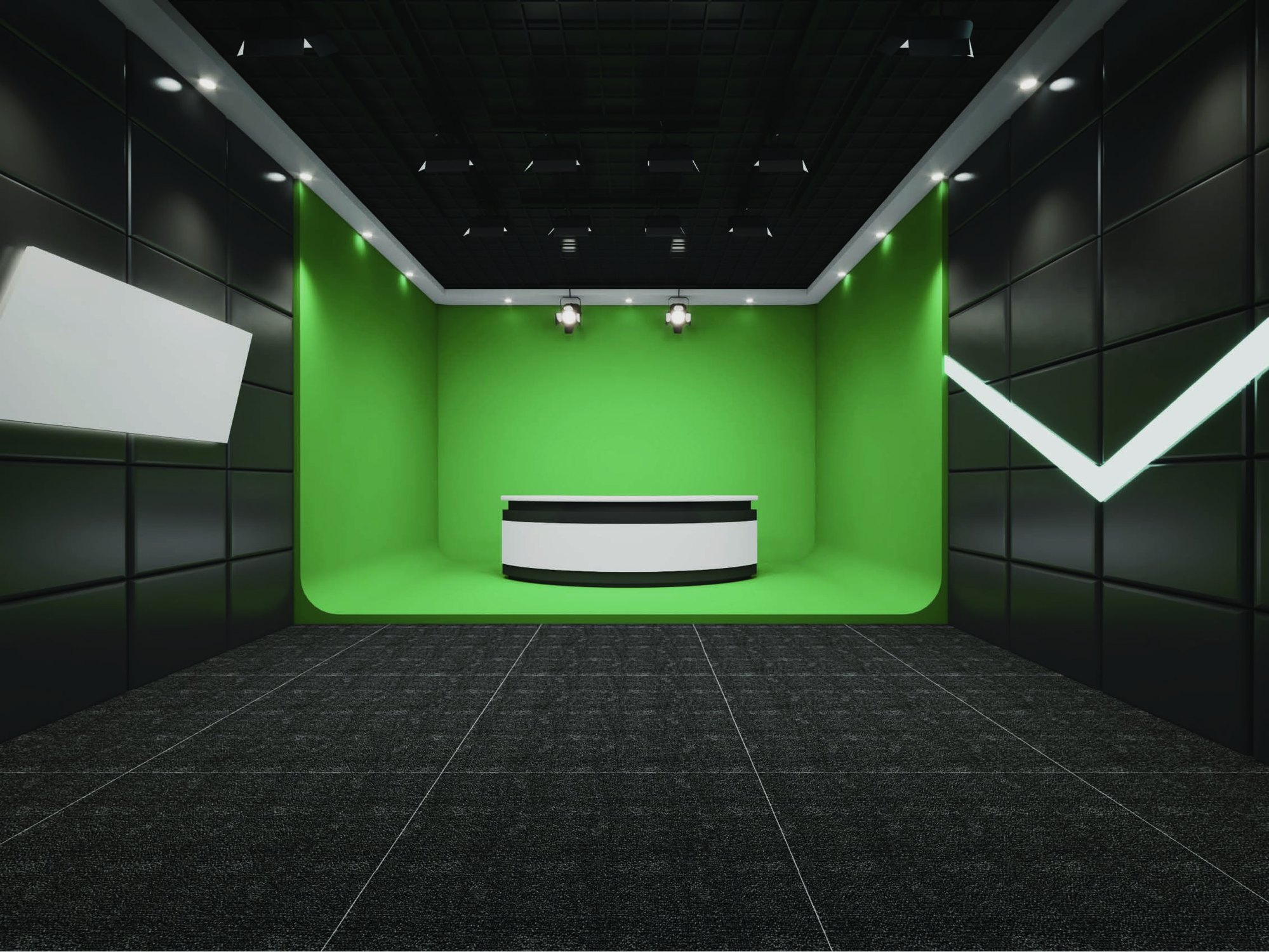
Prioritize even background illumination, clean subject separation, spill control, and camera-friendly exposure.
Read green screen studio case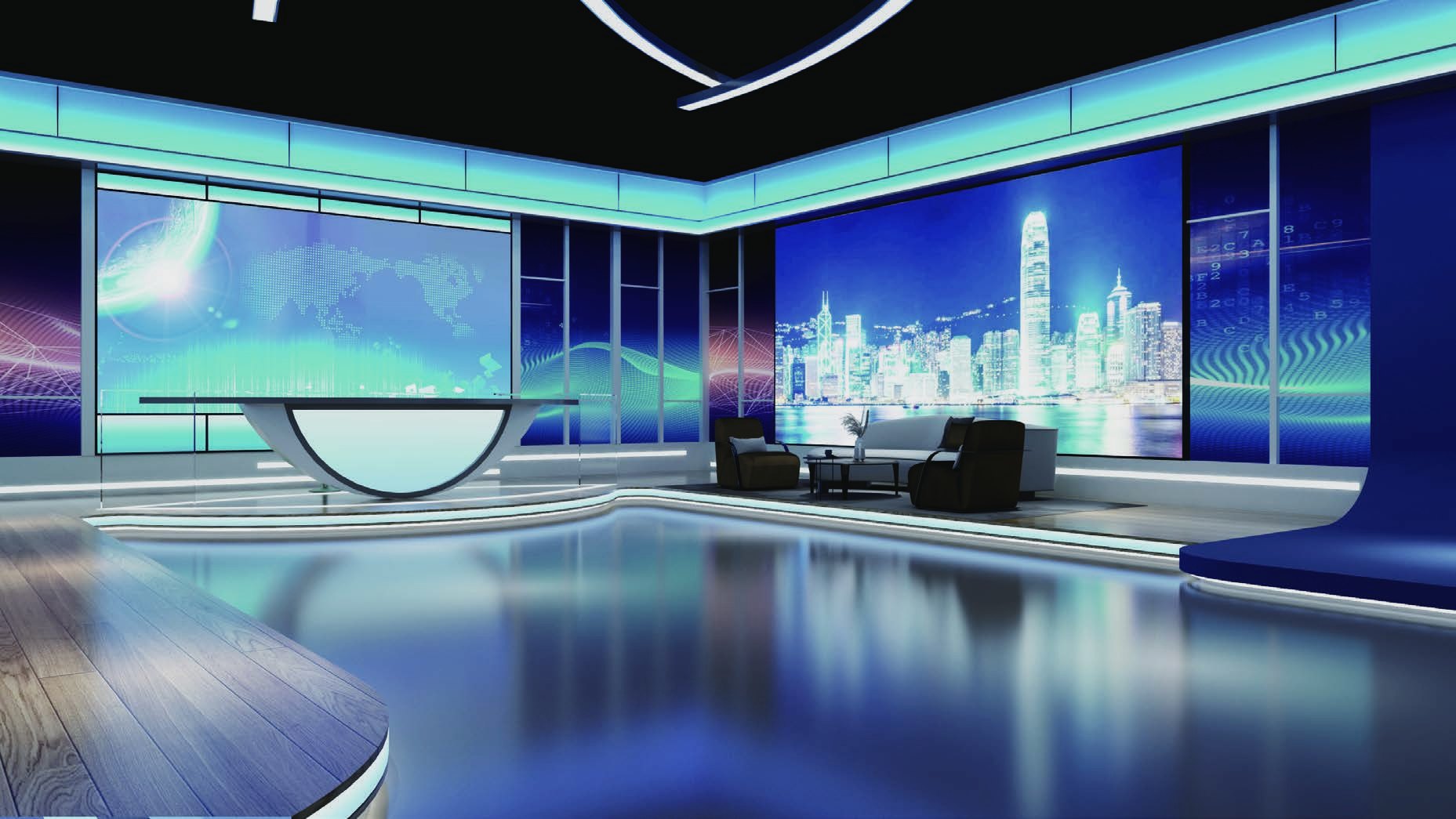
Use compact, quiet lighting for faces, table surfaces, background texture, and close camera angles.
Read low-ceiling studio case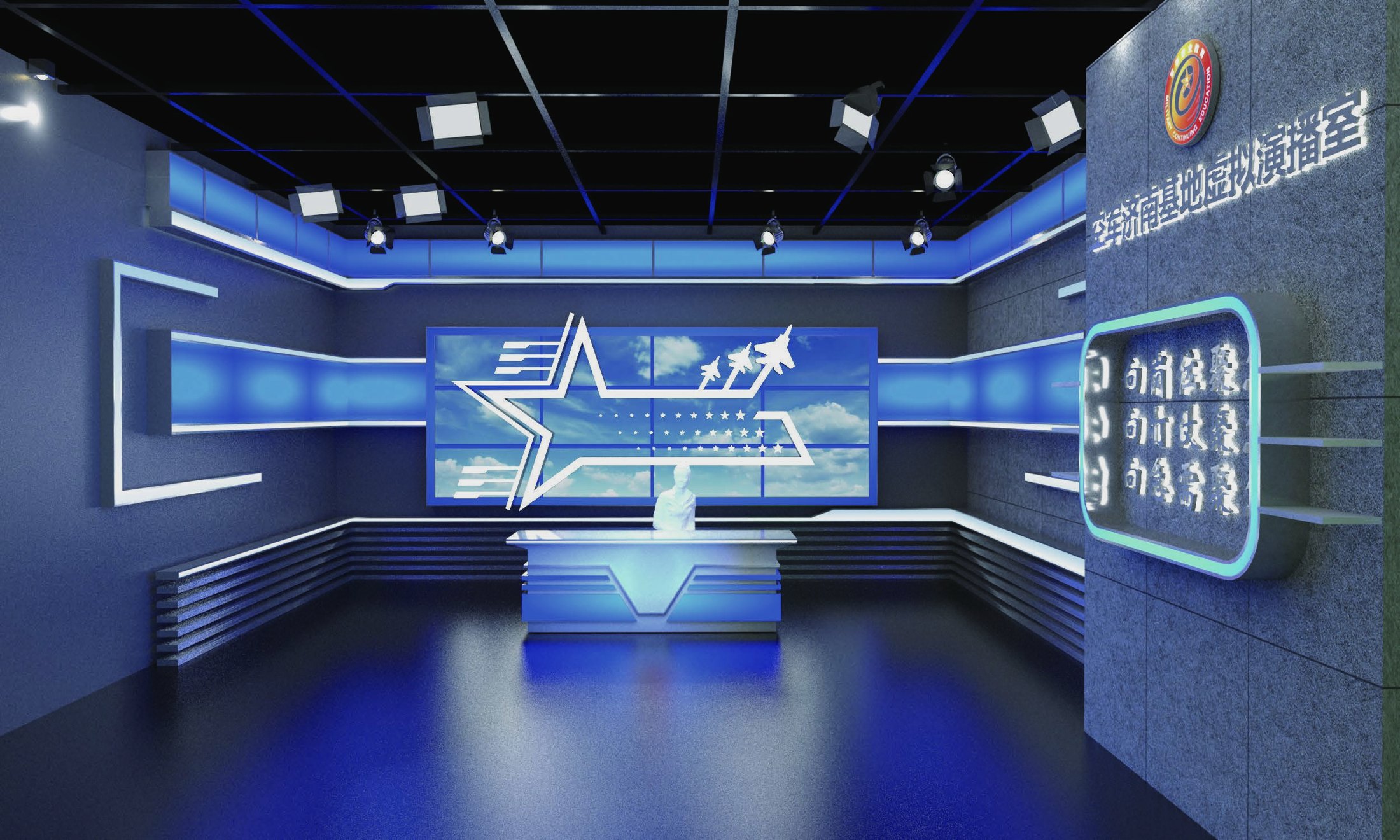
Support speakers, podiums, LED backdrops, hybrid meetings, and recorded presentations without overexposure.
Read press conference room case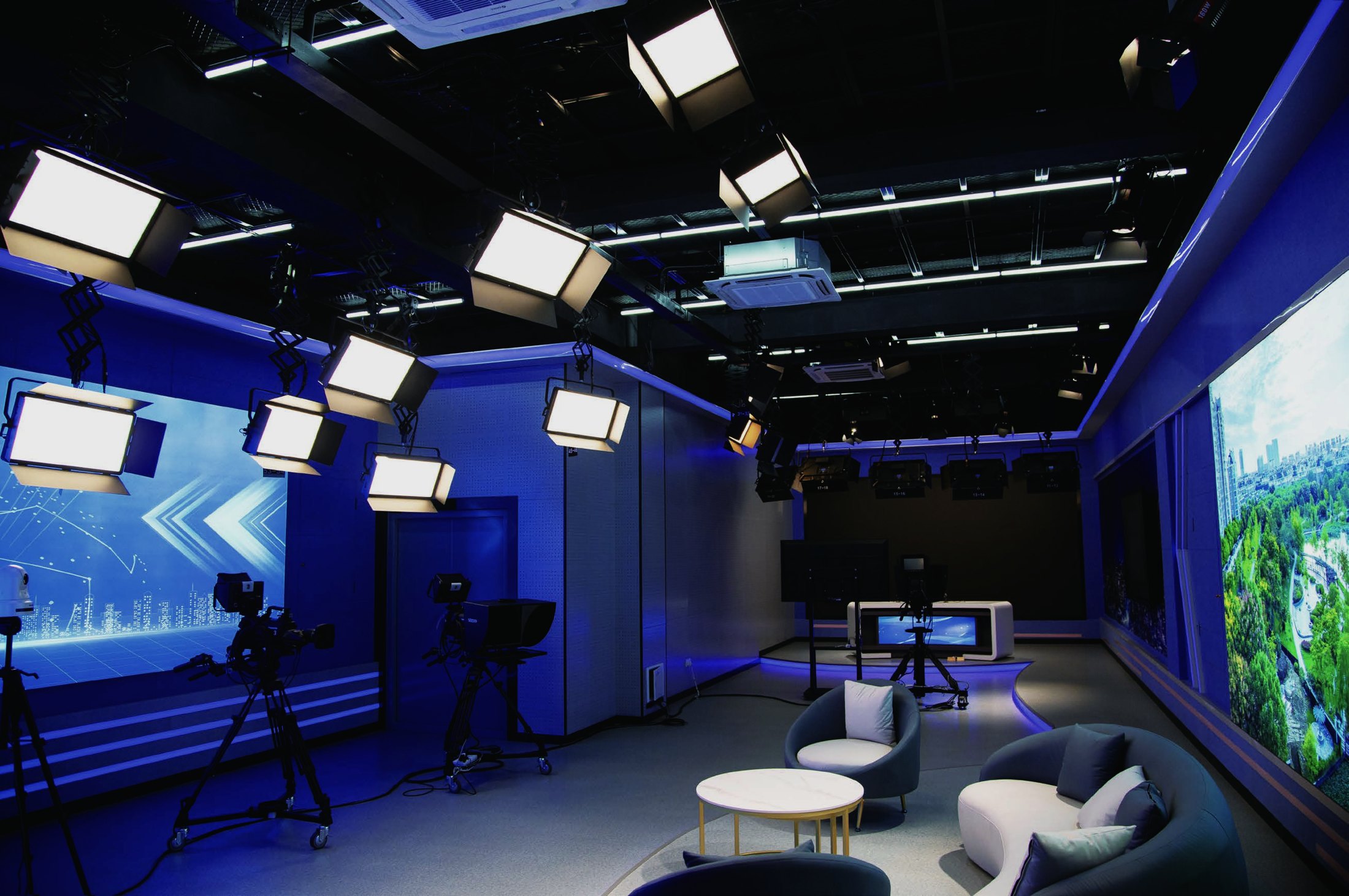
Support press release, interview, live streaming, conference, and virtual studio functions in one multi-zone system.
Read integrated media center caseEngineering workflow
A clear lighting workflow keeps procurement, installation, operation, and maintenance aligned.
Measure room size, ceiling height, structure, power, cameras, backgrounds, talent marks, and constraints.
Map key, fill, back, background, green screen, and accent zones before choosing fixtures.
Match panels, fresnels, RGBWW lights, modifiers, and accessories to throw distance and beam role.
Define rail, pantograph, motorized rigging, hooks, yokes, safety ropes, and cable routes.
Plan addresses, channel groups, console operation, scene presets, and daily handoff.
Install fixtures, rigging, accessories, cabling, and control equipment to the approved diagram.
Check exposure, skin tone, background balance, green screen uniformity, dimming, and flicker.
Focus fixtures, store scenes, confirm operation, and prepare the studio for daily use.
Free lighting design
Send room size, ceiling height, camera positions, background, power, control needs, and installation method. SWIT prepares a practical lighting plan.
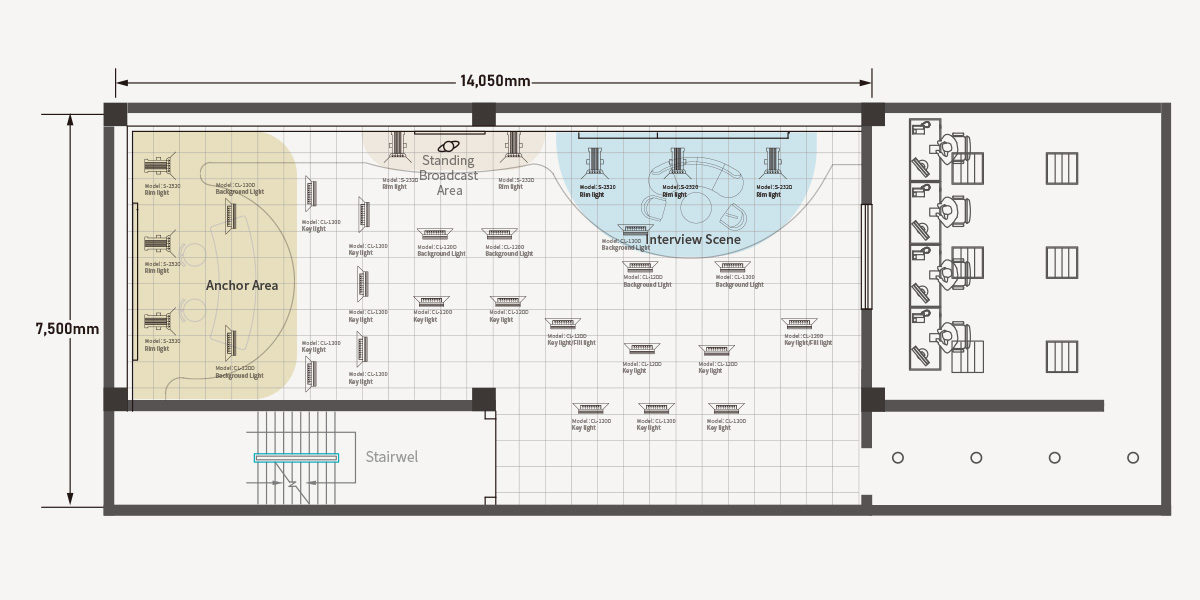
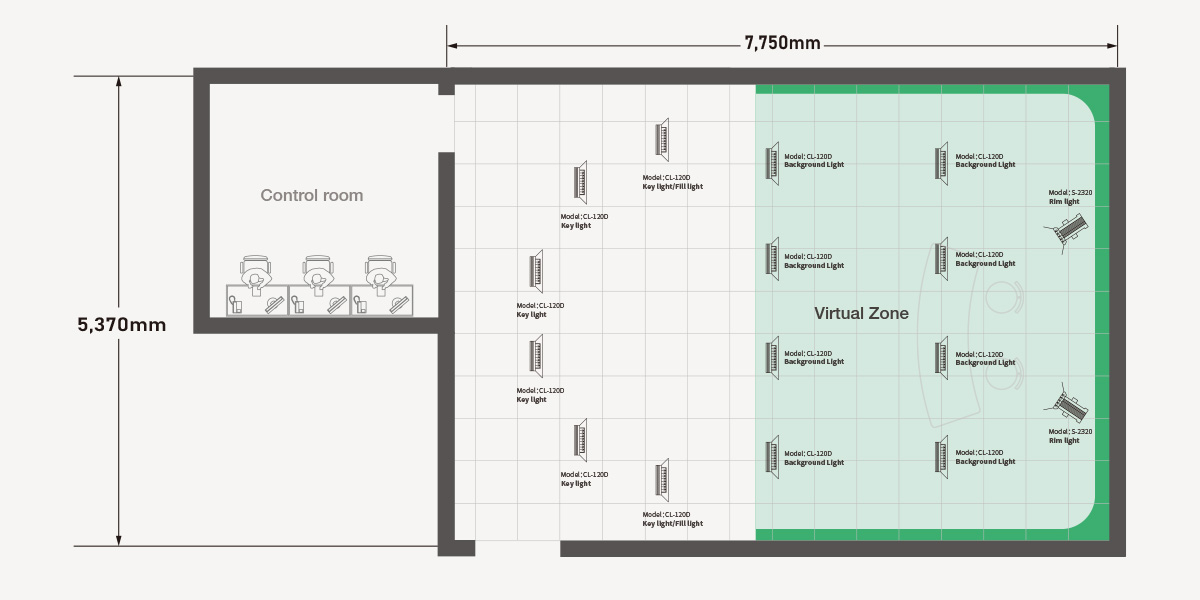
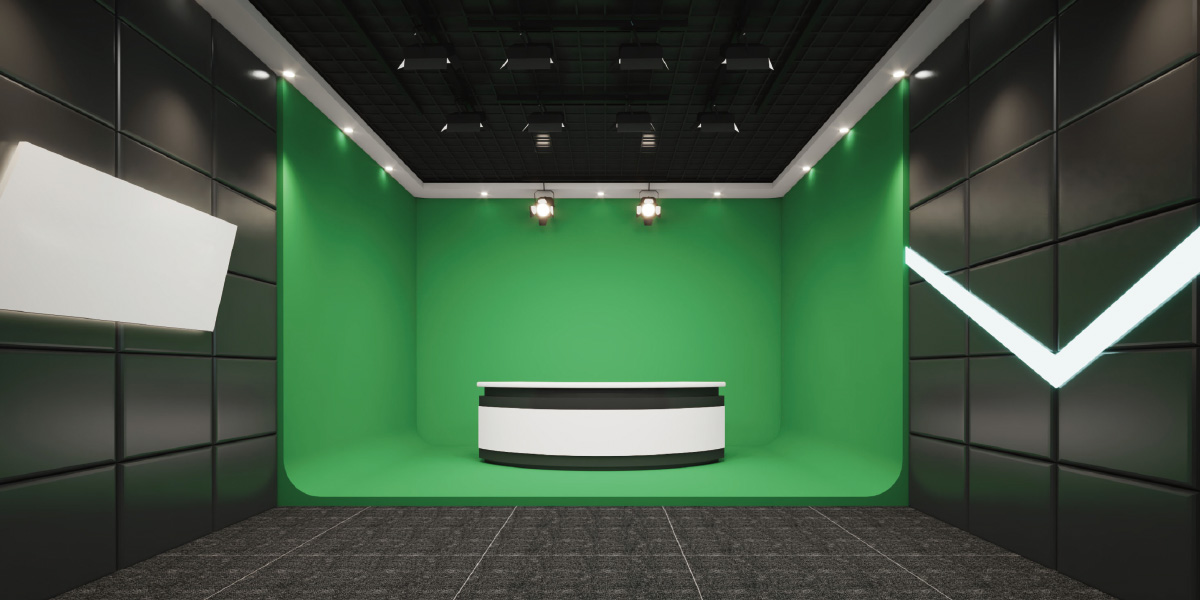
Fixture positions, beam roles, shooting zones, ceiling structure, and installation method.
Panel lights, fresnels, control, pantographs, hooks, softboxes, honeycombs, and cables.
DMX channel planning, scene grouping, console logic, and signal distribution notes.
Focusing, dimming, camera-facing exposure check, green screen balance, and final adjustment.
Product recommendations
Browse recommended SWIT fixtures by product type and compare the models commonly used for soft studio light, controlled fresnel beams, DMX control, and installation hardware.
Soft / high output panels
Panel lights for key, fill, green screen, background, and larger studio zones. Height guidance helps match output and beam spread to the room.
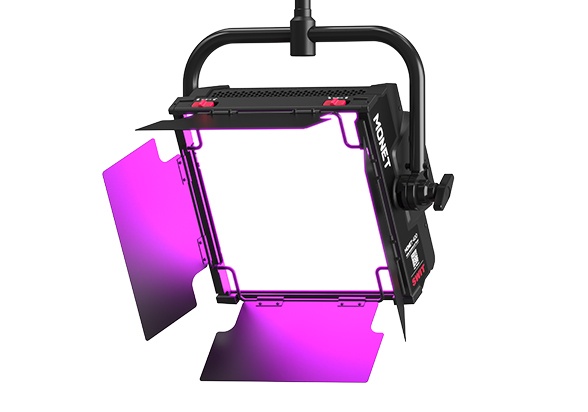
400W RGBWW Professional Panel LED Light
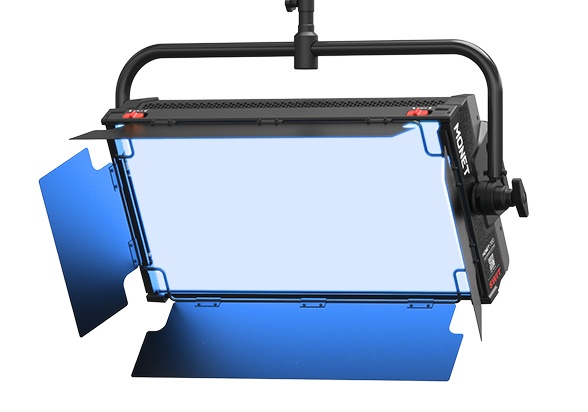
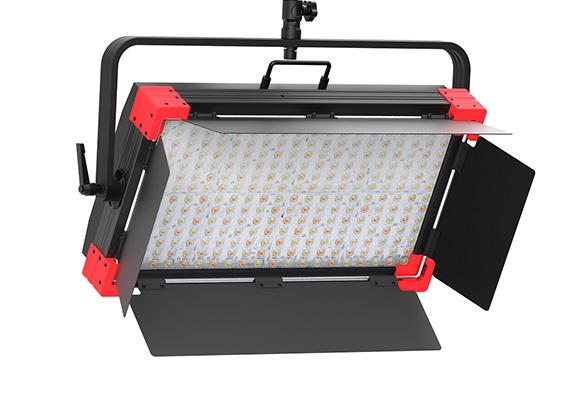
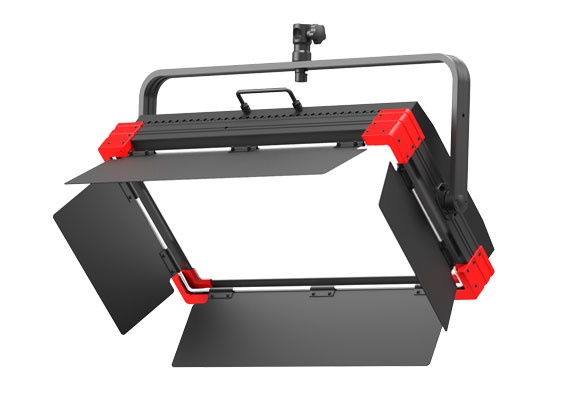
300W Bi-color Studio SMD Panel LED Light
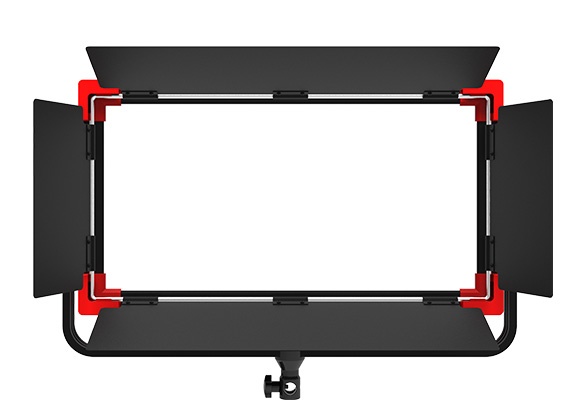
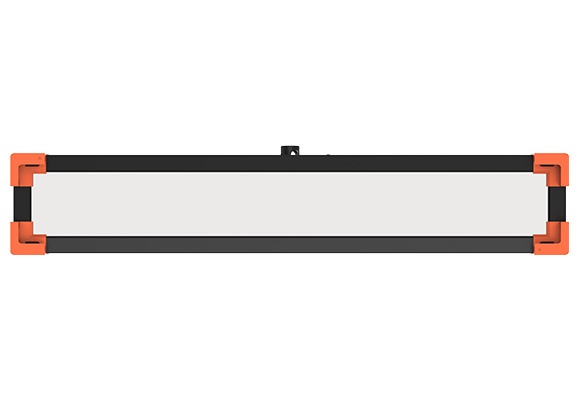
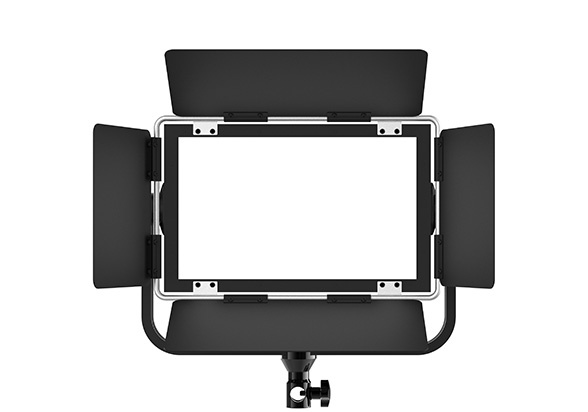
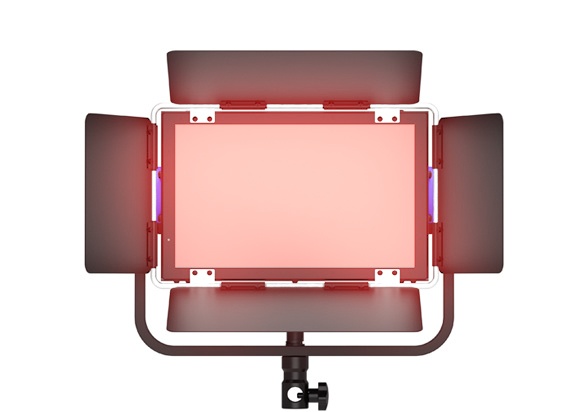
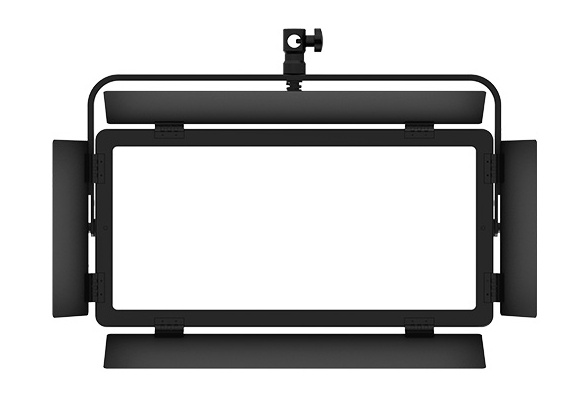
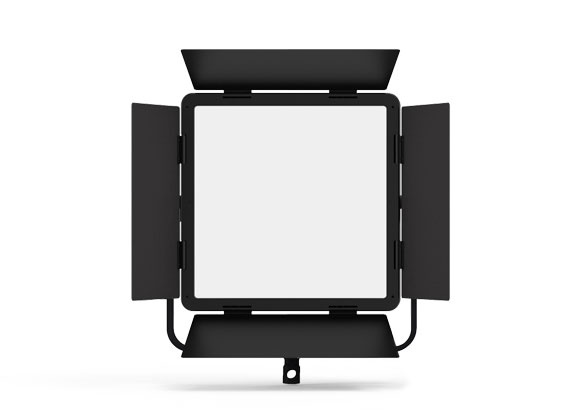
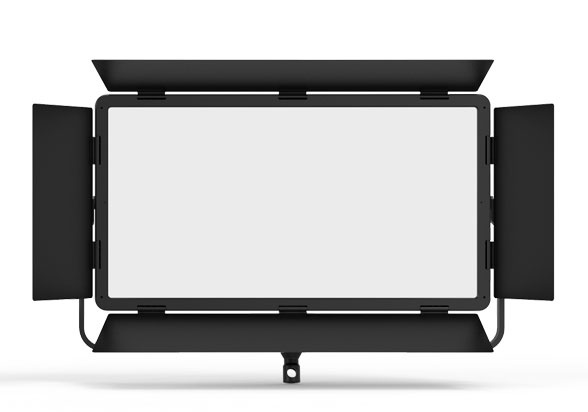
100W Bi-color Studio SMD Panel LED Light
Controlled hard light
Fresnel lights for host key, back light, accent, and controlled beam positions. Height guidance helps choose the right power and throw distance.
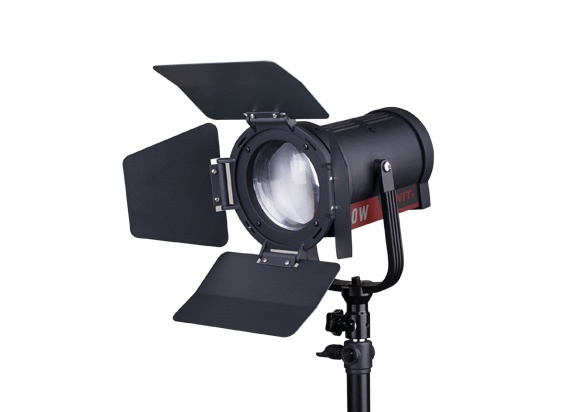
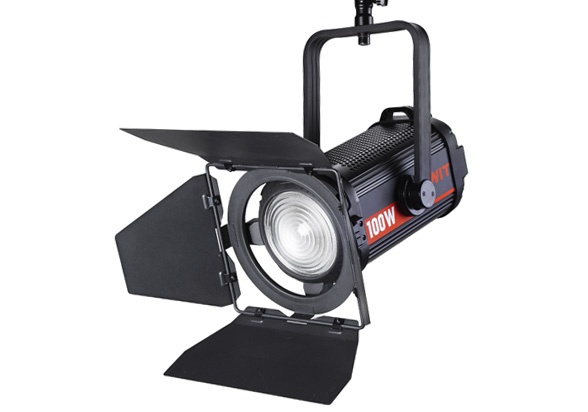
100W Bi-color Fanless Studio Fresnel Light
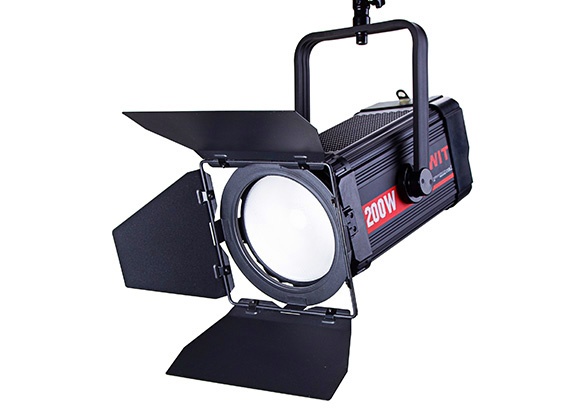
200W Bi-color Studio COB-LED Fresnel Light
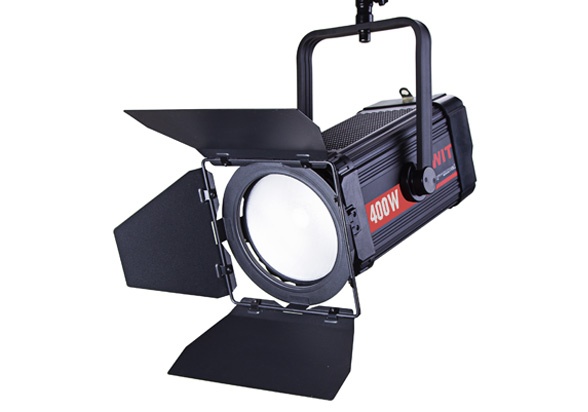
400W Bi-color Studio COB-LED Fresnel Light
DMX control and signal
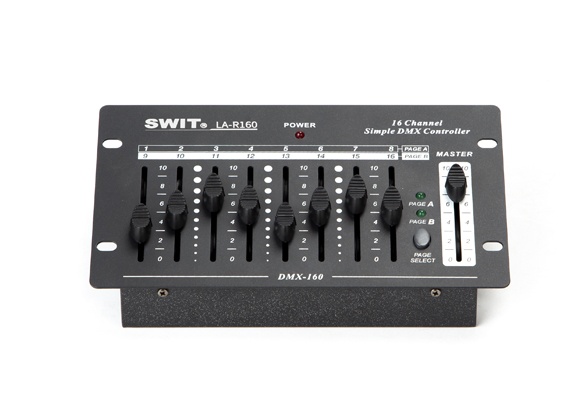
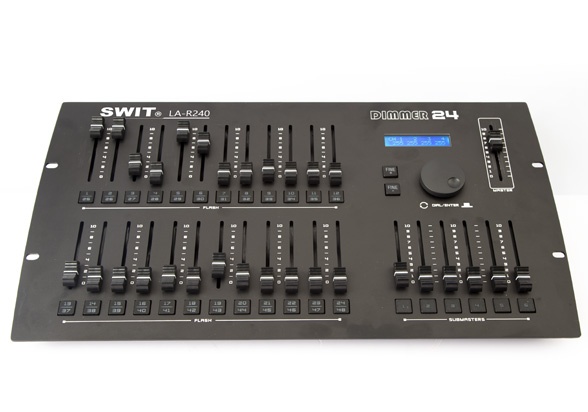
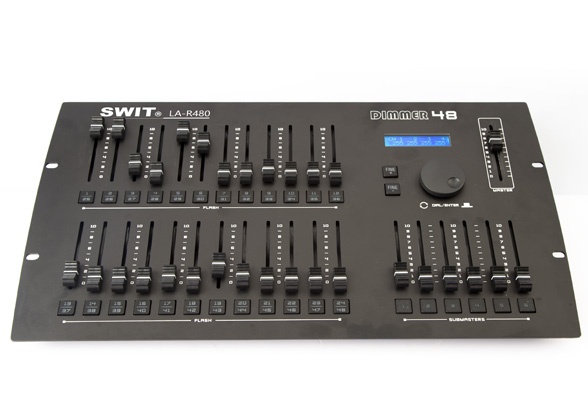
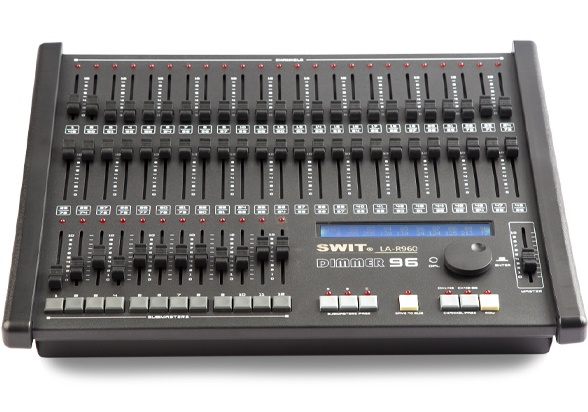
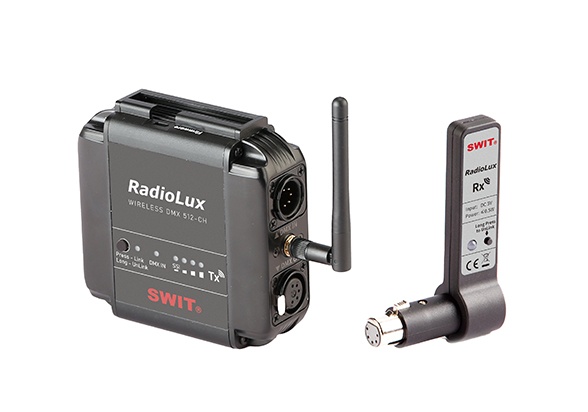
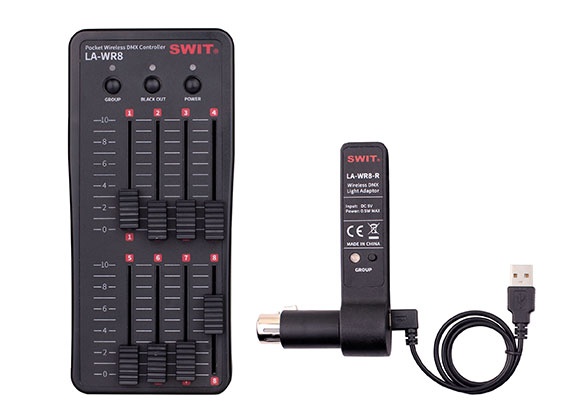
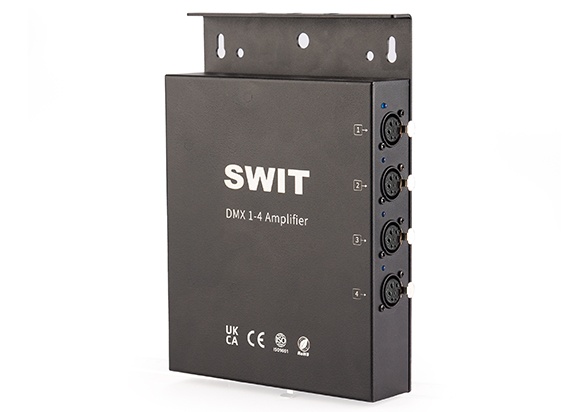
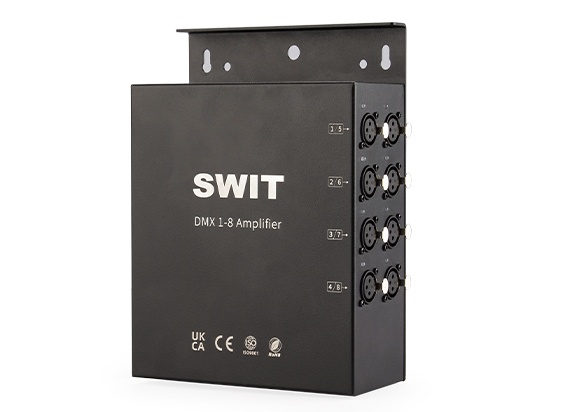
Control desks, wireless DMX, and signal accessories for repeatable broadcast studio lighting scenes.
Rigging / hooks / power
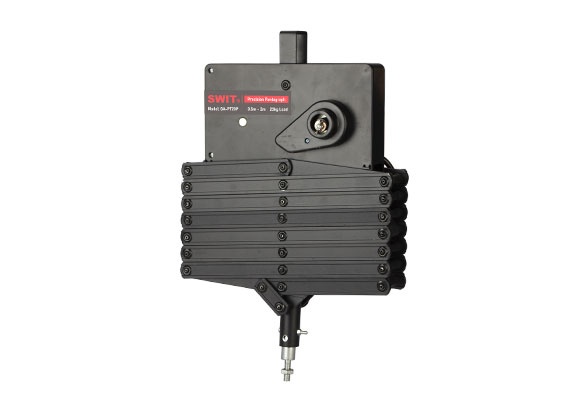
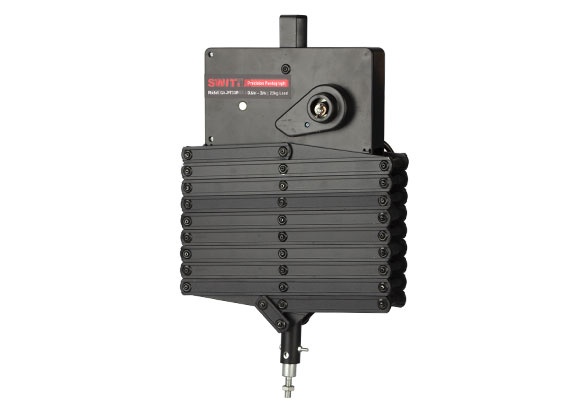
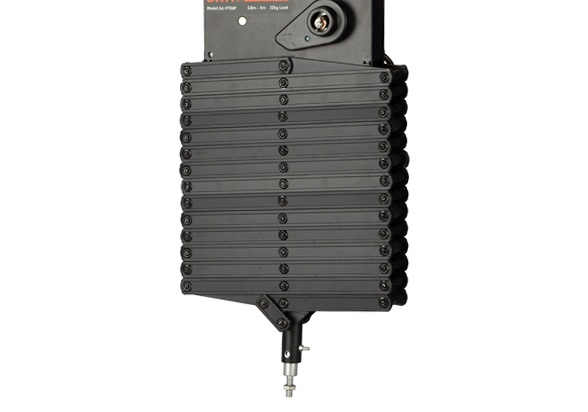
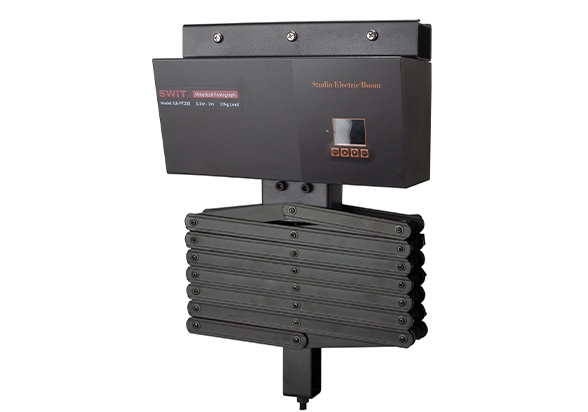
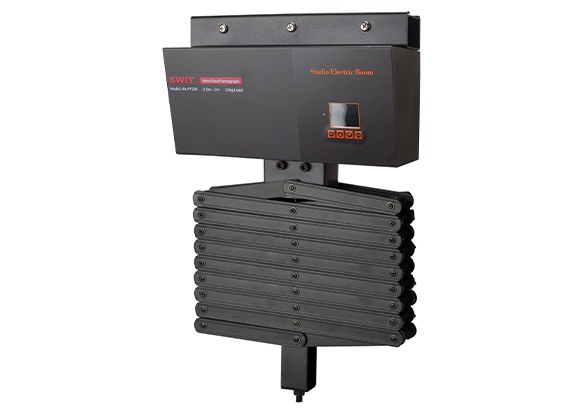
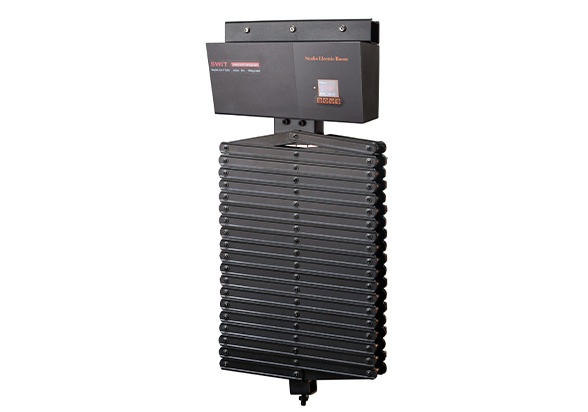
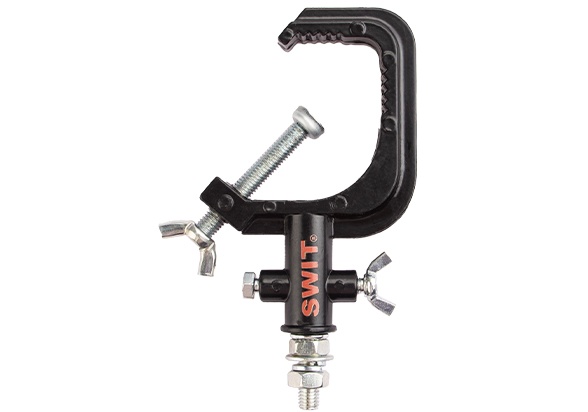
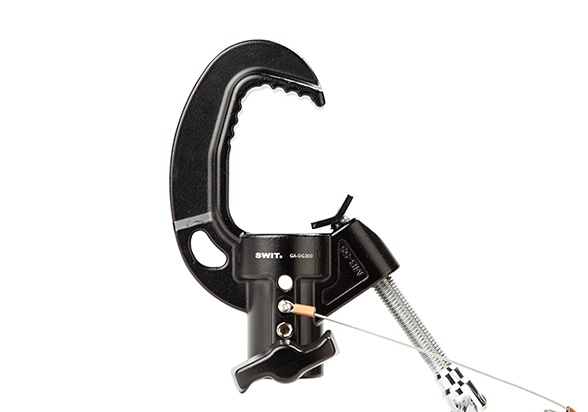
Pantographs, electric pantographs, hooks, rail systems, and power distribution items for ceiling-mounted lighting.
FAQ
These questions are written around real search intent from users planning TV studio lighting, virtual studio lighting, green screen lighting, DMX broadcast lighting, and media center lighting systems.
It is the engineering process of designing a camera-ready lighting system, including lighting zones, fixture selection, rigging, DMX control, power planning, installation, focusing, and final camera calibration.
SWIT presents lighting engineering for broadcast studios and newsrooms, green keyer rooms, XR studios, conference spaces, podcast and interview sets, live-streaming rooms, and integrated media centers.
The fixture count depends on room size, ceiling height, camera angles, background, number of scenes, talent positions, and whether the room needs key, fill, back, background, green screen, or accent lighting zones.
Send room dimensions, ceiling height, ceiling structure, shooting zones, camera positions, background type, installation method, power conditions, and control requirements.
DMX512 helps operators address fixtures, organize zones, store scenes, adjust dimming, and keep lighting repeatable for news, interviews, green screen, and virtual studio programs.
Broadcast projects normally prioritize high CRI and TLCI, but the final judgment should include camera tests for skin tone, color temperature consistency, dimming behavior, and background balance.
Use broadcast-oriented LED fixtures, verify dimming at the required frame rate and shutter settings, and check the result on the production camera during commissioning.
Green screen lighting separates the screen from the subject. The screen needs even light, while the subject needs controlled key, fill, and back light to reduce spill and improve edge separation.
A practical training target is to keep the green or blue background visually even and avoid obvious hot spots, shadows, wrinkles, and reflective corners. Foreground and background lighting should be controlled separately.
Film lighting often changes per shot. Broadcast lighting usually needs repeatable multi-camera coverage, fast recall, safe overhead installation, and daily operational reliability.
Yes. SWIT case information references ceiling tracking, pantographs, hooks, and DMX-controlled studio lighting. The product range also includes light consoles, pantographs, motorized rigging, hooks, mounts, and accessories.
Small systems may use wired DMX daisy-chain routing, while larger studios should consider signal amplifiers, grouped zones, or wireless plus wired distribution to improve stability and reduce construction difficulty.
No. The project workflow covers lighting layout design, fixture and accessory supply, rigging and installation support, DMX512 address planning, focusing, dimming, and final camera-facing adjustment.
A complete setup may combine flat panel lights, fresnel spotlights, hard panel lights, RGBWW color lights, DMX control, pantographs, motorized rigging, hooks, mounts, softboxes, honeycombs, and cables.
No. The cards show representative categories and recommended examples. The final list depends on room size, ceiling structure, camera plan, installation method, scene zones, and lighting effect.
Lux targets vary by camera, lens, shutter, room style, and background brightness. A practical project should define a target during design, then tune the final exposure through camera calibration.
Pantographs and motorized rigging help adjust fixture height, keep the floor clear, improve safety, and make future focusing or maintenance easier.